Edit your entire vlog in 3 clicks.
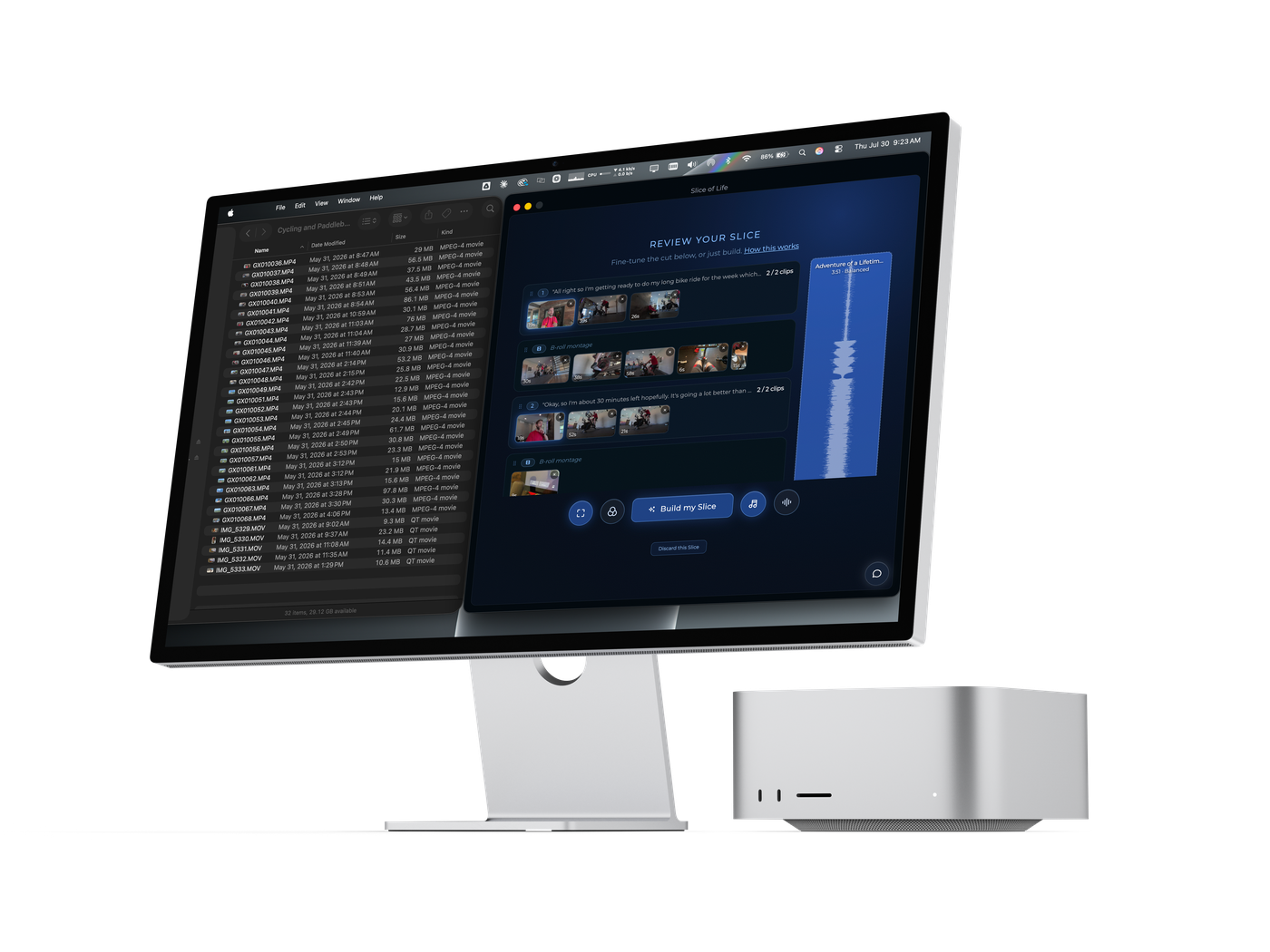
Vlog editing software for Mac, for people who'd rather be filming than editing. Drop in a day of footage: it finds every moment you talked to camera, cuts your b-roll in around it, and hands you a vlog ready to upload.
Slice of Life is Mac only.There’s no Windows version yet. Join the waitlist and we’ll email you the moment there is.
Join the Windows waitlist
13,428 clips sorted into finished vlogs
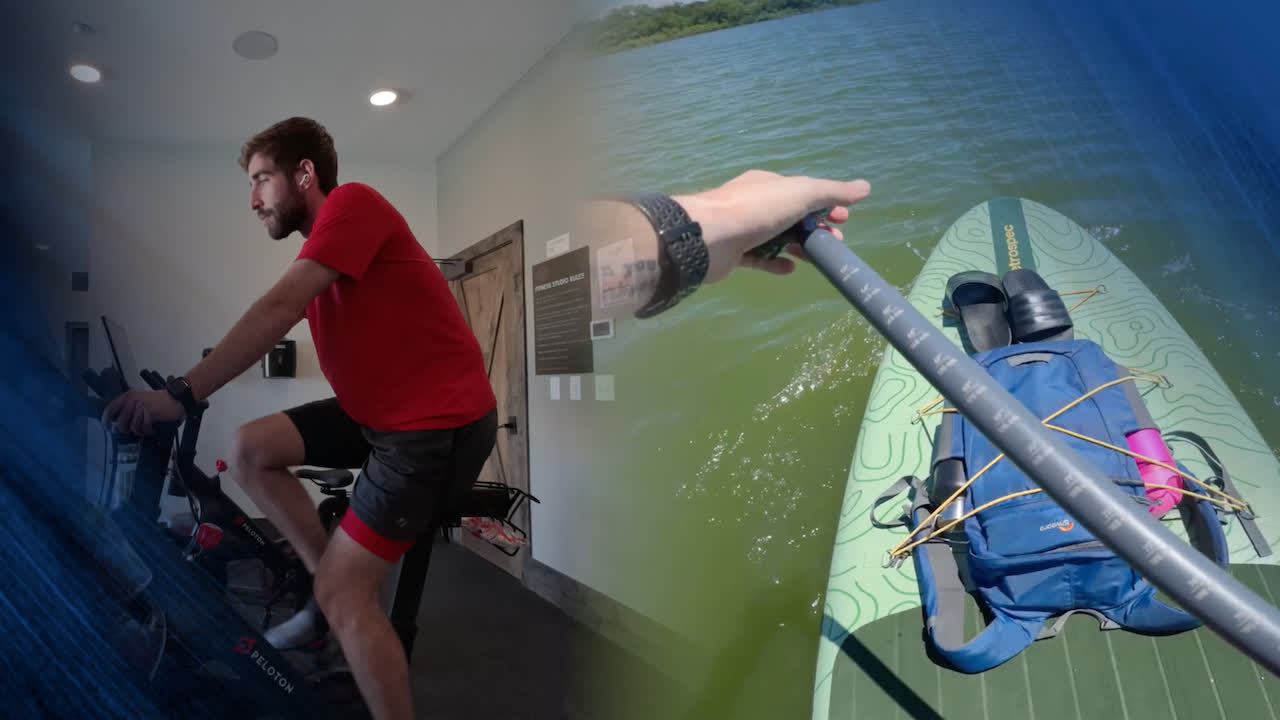
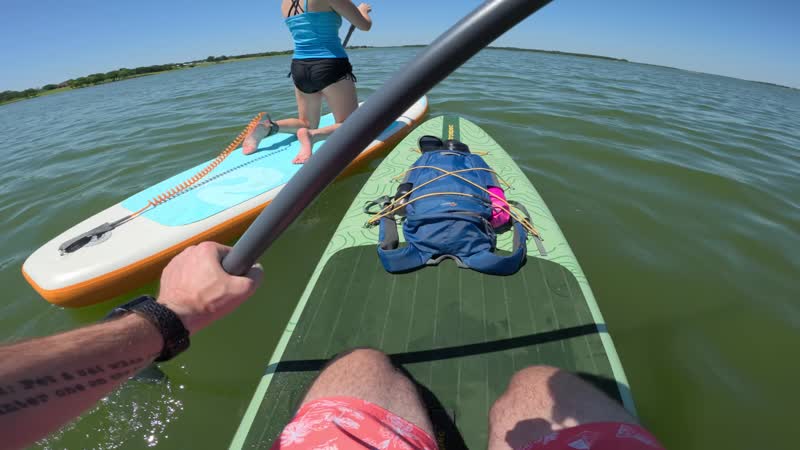
Cycling & paddleboarding
32 clips · GoPro + iPhone View case study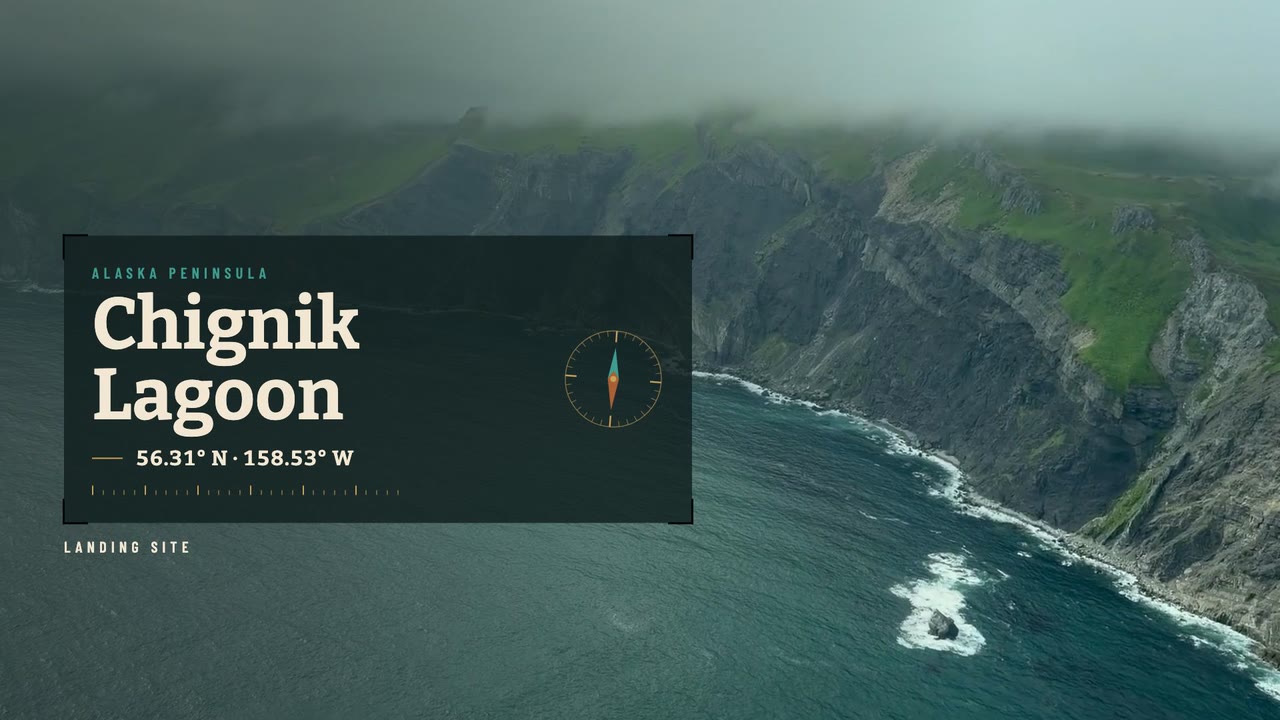
Alaskan Plane Ride
30 clips · iPhone View case studyMore slices soon
Cut with Slice of Life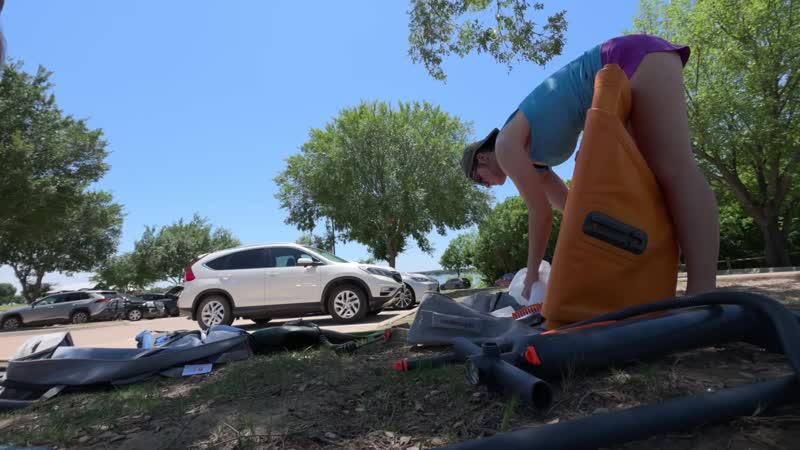





What it does
Every part of the vlog edit,
handled automatically.
B-roll cut in automatically
Slice cuts in b-roll that matches what you're saying — like you spent an hour editing.
Your best takes, found automatically
Slice finds your strongest talking-to-camera moments and builds your a-roll spine automatically.
Your call. Your pace.
- Tight, Balanced or Relaxed
- Reorder or drop any clip
- Fix captions before export
- Speed up your b-roll
- Add music, grade your color
- Bring your own LUT
- Clean up your audio
Take it to your editor
Every vlog exports a timeline for Premiere Pro, Final Cut Pro, or DaVinci Resolve — a-roll and b-roll on separate tracks, all source clips referenced. Open it, refine it, done.
Just ask for the edit you want
“Get this to about 10 minutes.” “Cut the long pauses.” “Any blurry shots?” The Editor comes back with changes you tick and apply, each showing the time it saves.
Delete a word, delete the footage
Edit your vlog like a document. The words sit under a live preview that plays every change, with the spoken word lit up.
What makes this different
The other option is
hiring someone.
iPhone Companion
Free on iPhoneShoot anywhere. Edit anywhere.
A free companion app lets you send footage from your phone straight to your Mac — so Slice of Life can start editing before you've even sat down at your desk.
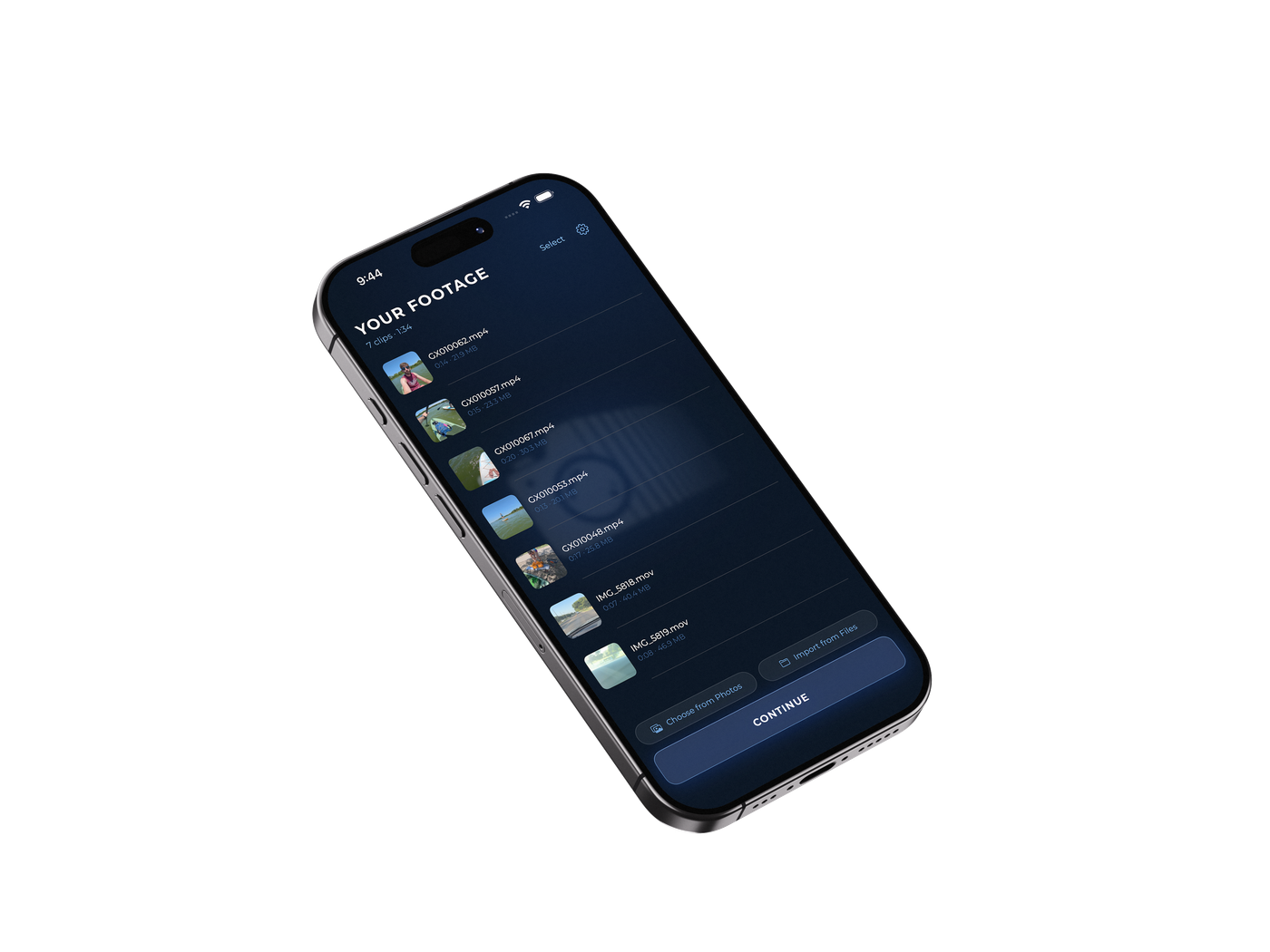
Pick your footage
Choose clips from Photos or Files. Any camera works — GoPro, DSLR, point-and-shoot — once it's on your phone.
Send it to your Mac
Pick the iCloud Drive folder your Mac is watching. It's remembered after the first time — sending is a single tap.
It's already working
The moment clips land, your Mac starts analyzing in the background. Review the cut, or let Slice build it automatically.
Free · Requires Slice of Life for Mac
Pricing
One plan. Everything in it.
No tiers to compare and nothing held back. Try the whole app free for seven days.
The whole app, for people who vlog.
Free for 7 days, card required
- Finds your talking-to-camera moments and builds the cut around them
- Matches your b-roll to what you are saying and cuts it in
- Captions in eight fonts, or upload your own
- Color grading, custom LUTs, Dynamic Framing, Voice Enhancement
- Vertical Shorts, cut from the moments that stand alone
- 4K export
- YouTube kit — titles, description, and real chapter timestamps
- Export to Premiere Pro, Final Cut Pro, or DaVinci Resolve
- Runs on your Mac — your footage never leaves it
Not sure? Compare all four options
Cancel anytime — you keep access to the end of your billing period. Annual billing is available at checkout: $990 a year, two months free. Requires a Mac with Apple Silicon (M1 or later) running macOS 13 or newer.
Rather not edit at all?
Send us the footage and an experienced video editor cuts it for you.

You filmed today.
Post today.
Mac · Apple Silicon · macOS 13+
v0.8.1 · macOS 13+ · 2026
$99/mo after your trial · Every feature included · Sample footage to try it on
FAQ